Koas Resident Portal
The most important everyday tool and information bank for every Koas resident.
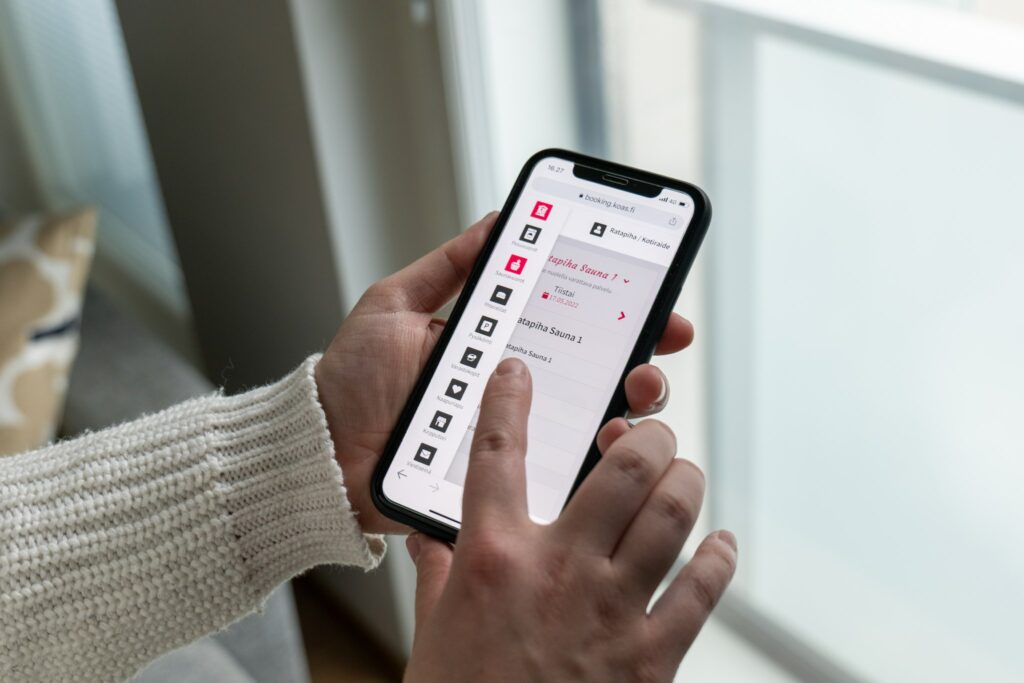
Koas Resident Portal is a browser-based portal through which you can conveniently book facilities and services intended for residents. In addition, you will find instructions, maps and other information related to your own location. Find out about the use of the portal, services, and problem situations on this page.
Instructions for using Resident Portal
You can get an account to Resident Portal after you have signed your rental agreement. Please note that to register, you will need Finnish online banking credentials, or you must have your passport/ID card available.
If you cant sign in , please contact the housing office by e-mail at koas@koas.fi
Through Resident Portal, you can book location-specific facilities and services intended for all Koas residents, such as:
- Laundry time slots
- Sauna time slots
- Lounge facilities (in limited locations)
- Gym (in limited locations)
- Parking (in limited locations)
- Storage space (in Myllyjärvi, Ristonmaa, Ykköspesä, Kotiraide/Ratapiha)
- Ykköspesä sauna and cabinet (Ykköspesänkatu)
- Koas Meeting Room study space and cabinet (Kauppakatu 11)
- Koas Bike electric bike (Kauppakatu 11)
Please note that some of the services may be subject to a fee, in which case payment is made at the time of booking as an online payment.
Some of the services available to residents, such as private sauna shifts, are booked and paid in Resident Portal. When you make reservation.
Please note that reservations are binding, and paid bookings will not be refunded if you cancel your slot.
Instructions for problem situations
Mistakes happen. If you have forgotten your username or password, don’t worry. You can change your password through the “Forgot password?” button on the login page of the resident portal. Through the same button, you will also find instructions for creating an entirely new account, for example if you no longer have access to your email.
a {
text-decoration: none;
color: #464feb;
}
tr th, tr td {
border: 1px solid #e6e6e6;
}
tr th {
background-color: #f5f5f5;
}
Even if your name changes during the tenancy, your resident portal login credentials will remain the same. However, remember to notify the housing office of the name change so that postal mail is delivered correctly.
If your email address has changed, remember to update the current information in your user profile. Log in to the resident portal with your credentials and select “My information” from the menu in the upper left corner.
Change your email address and confirm the updates by selecting “Save”.
If you are not receiving Koas resident portal notifications directly to your email, please check that your email settings in your user account are correct.
Log in to the Koas Resident Portal service with your credentials and select the profile icon in the upper right corner. Make sure that your email address is written correctly and that the setting “I want to receive email notifications about new messages” is enabled.
If you make any changes to your information, remember to click “Save” at the bottom.